

8 Postprocess
This content is not available in your language yet.
Post process
We print one model and attach the Cura parameter
| Name | Parameter | Name | Parameter |
|---|---|---|---|
| Layer high | 0.1mm | Wall thickness | 3mm |
| Infill density | 30% | Infill pattern | Lines |
| Printing Temperature | 200 | Diameter | 1.75mm |
| Printing speed | 60mm/s | Infill speed | 100mm/s |
| Outer wall speed | 30 | Support speed | 60 |
| Support place | everywhere | Over hang angle | 50 |
| Build plate adhesive type | Raft | Raft extra margin | 15mm |


1. Remove support
Prints with support material will require post-processing to remove the support structures. This can be achieved by breaking the support structures from the build material.
- Tear the inner support structure
Start by removing the walls of the support structure with gripping pliers. This allows you to quickly tear away the majority of the inner support structure.

- Pull the Breakaway support from the build material
After removing most of the support structure, the remaining part(s) can be pulled from the build material. Use cutting pliers to grab the Breakaway support in a corner and try to carefully get underneath it, then bend it upwards. Repeat this for several corners, so that you can loosen the support from the model around the corners. After this, pull the Breakaway support from the model.
- Peel the last traces from the model
Sometimes a final layer of the support material will remain after pulling the Breakaway support from the build material. If this happens, use cutting pliers to peel it off from a loose edge. Any leftover traces on the model can be removed with tweezers.

2. Polish model
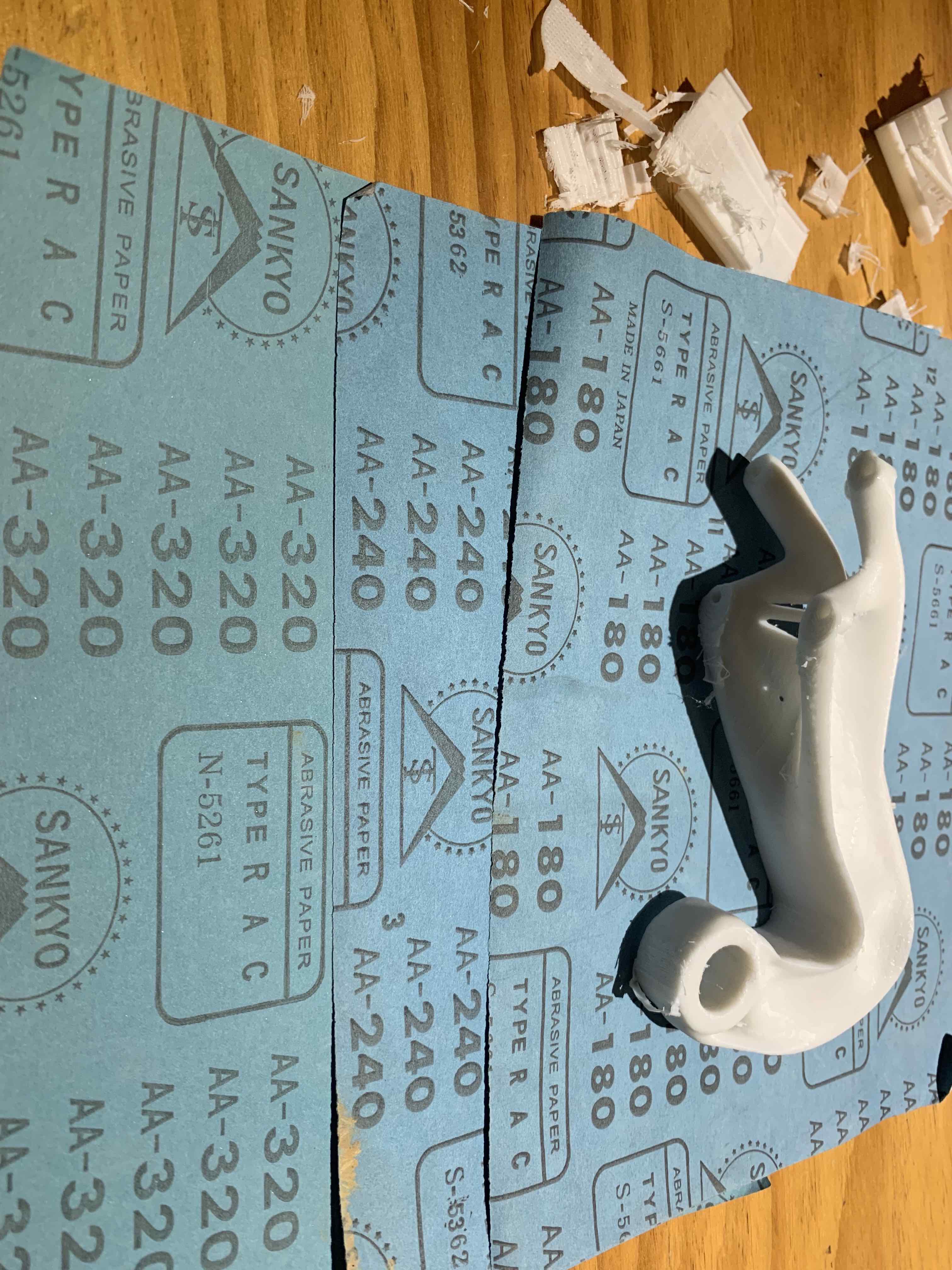 We would use sandpaper to polish model with water ,choice sandpaper 180 for rough polish, 240 for polish and 320 for finish polish
 The following is the result
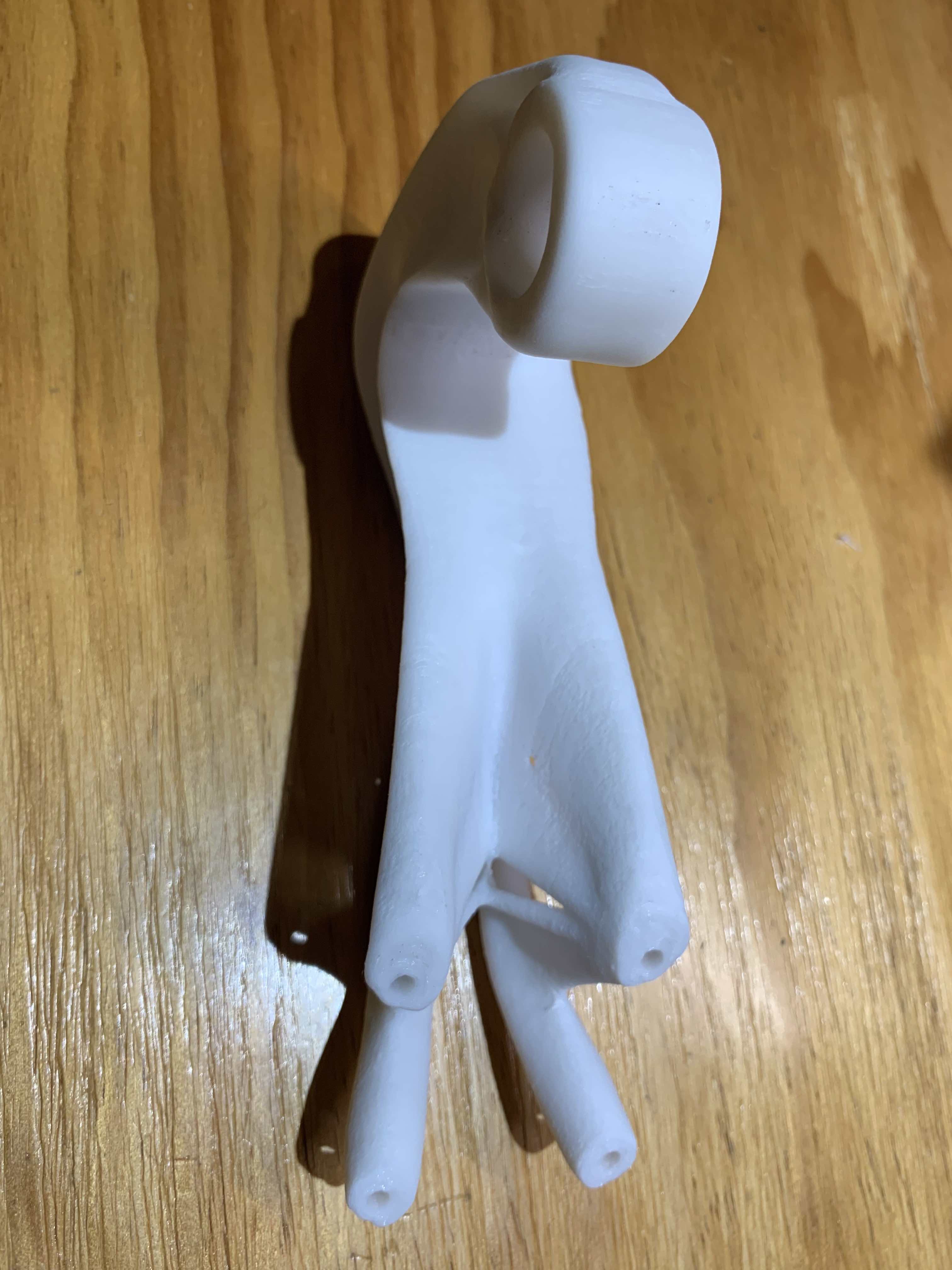
- 3D model :https://a360.co/2MZ0cBf
3. Painting
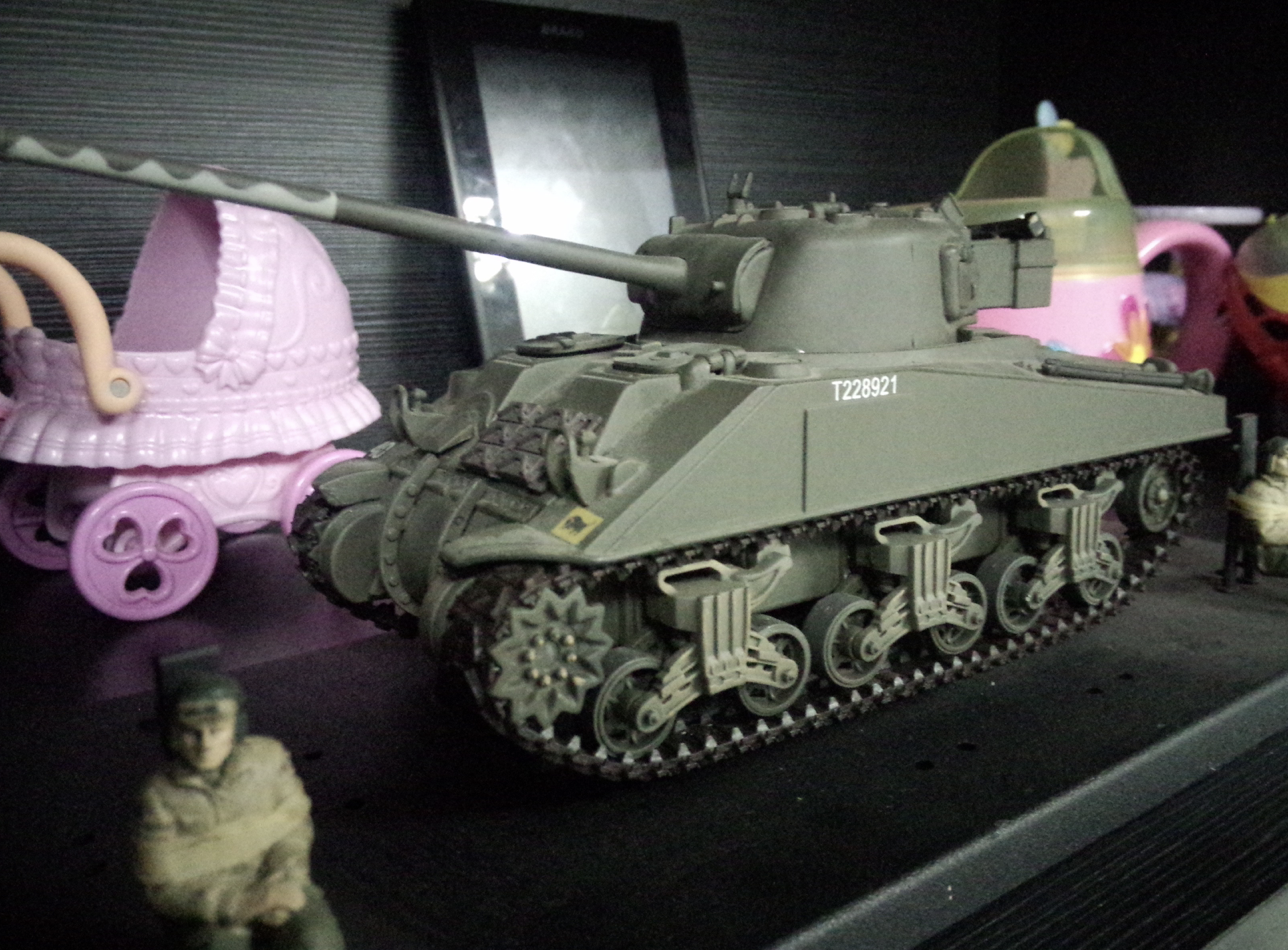
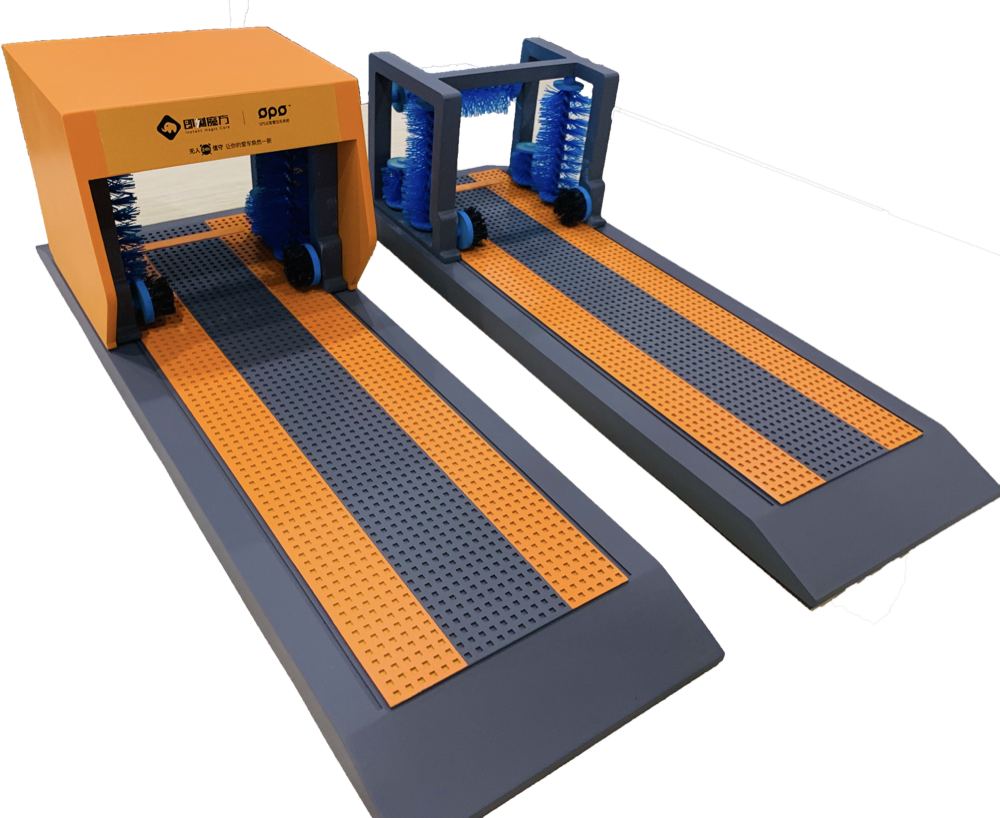 polish,painting and assemble for the final prototype.
4. Varnish(from translucent to transparent )
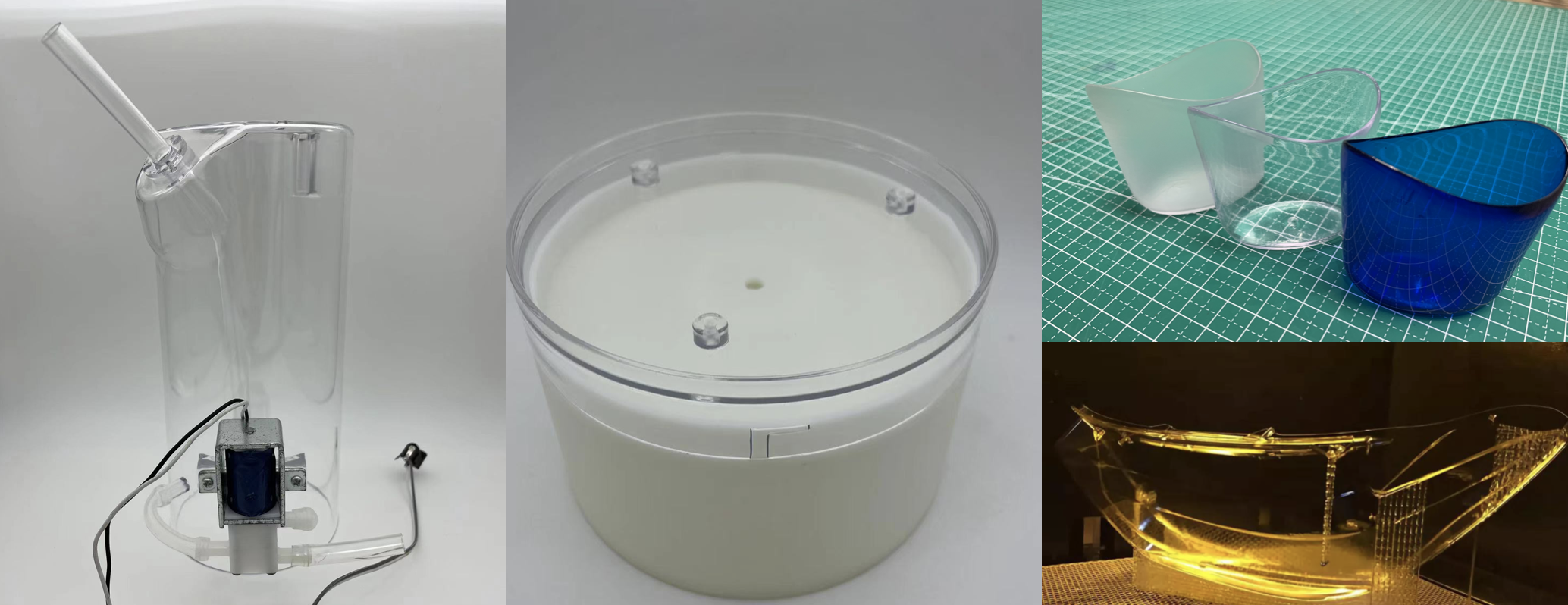 This method need use professional Polish mehtod (sandpaper polish at least P800 )and then varnish.